Categories
Web

Use Packrati to Automatically Bookmark your Twitter Shared Links

Image representing Packrati.us as depicted in ...
Image via CrunchBase

Packrati.us provides a simple service that bookmarks every single link you post in your Twitter feed. Additionally it even bookmarks links in tweets you mark as your favorite. It also uses any hashtags you include as tags for your bookmark and includes the full text of the tweet in the bookmark comments.

Packrati is a wonderful lifesaver when you are in search of that link you tweeted ages ago but cant seem to find anywhere.

Categories
Web

Download Online Videos using ClipGrab

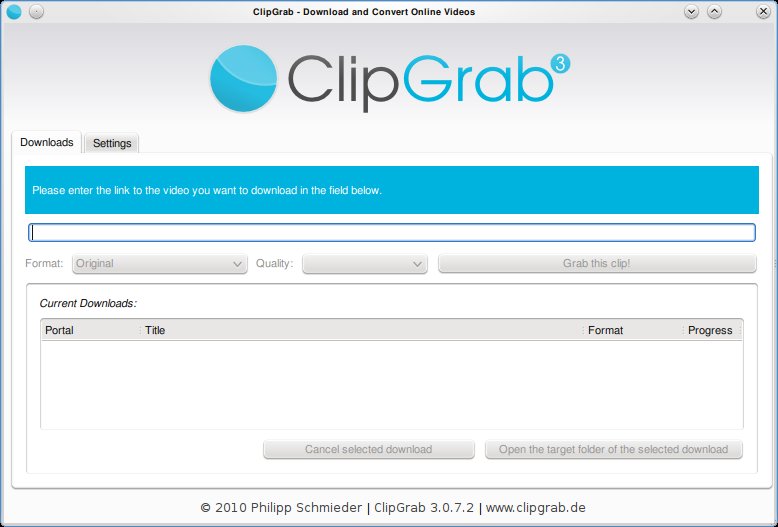
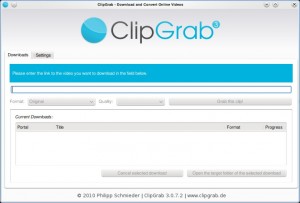
Clipgrab is an program that downloads videos from popular online video sites like youtube, vimeo ect and saves the video in the format of your choice. The application is very straight forward to use and provides a good set of options that make it easy for the user to customize their download.

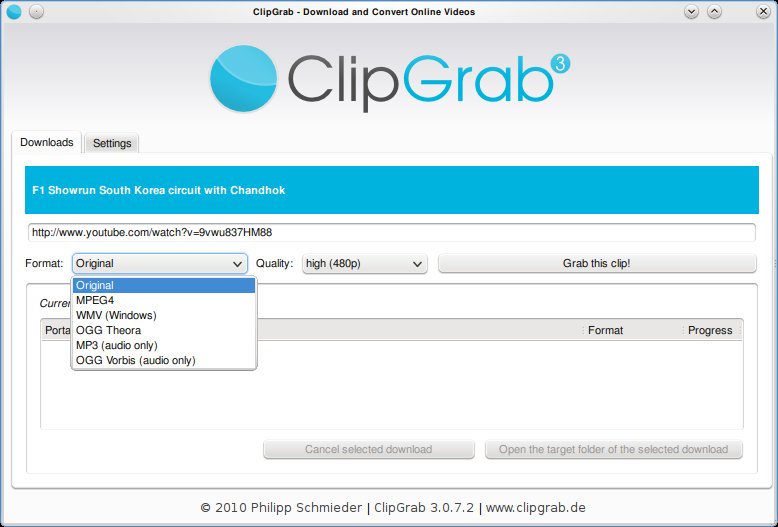
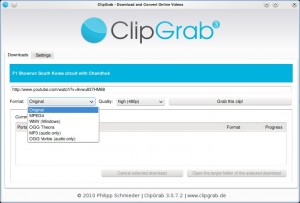
Clipgrab requires the user to simply type in the url of the video. This can be copied from the web browser. Once done, Clipgrab gives the details of the video including the different sizes its available for download and the different formats it can be converted to. Hit the “Grab this Clip!” option to download the video.

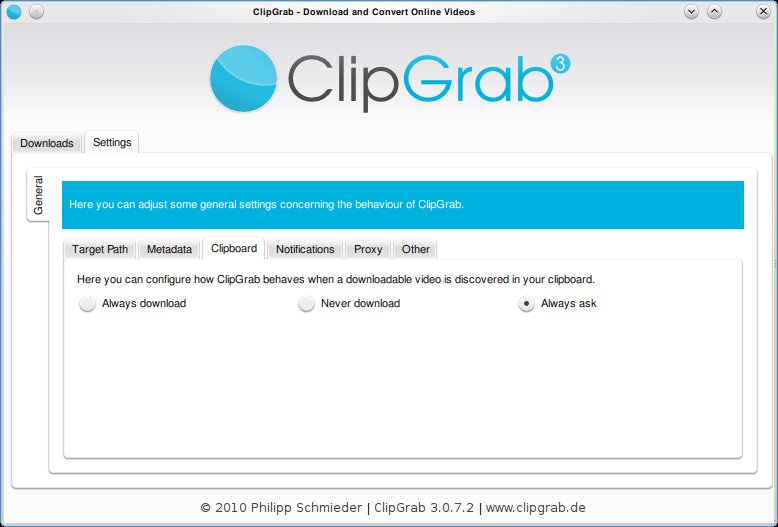
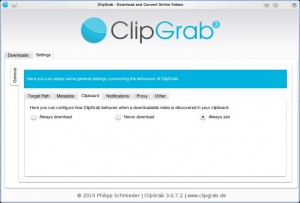
Clipgrab also monitors your clipboard to pick up urls when ever they are copied. Then it throws a notification asking you if you want to download the clip.
Clipgrab is available for Linux, Windows and Mac and can be downloaded from here: http://clipgrab.de/start_en.html

For ubuntu systems you can use the PPA repository to download Clipgrab:

sudo add-apt-repository ppa:clipgrab-team/ppa

sudo apt-get update

sudo apt-get install clipgrab

Enhanced by Zemanta


Categories
FaceBook Web

Search for Your Blog’s Recommended Pages on FaceBook

Facebook logo
Image via Wikipedia

Facebook is fast becoming one of ‘the’ places to promote your blog. Integrating your site well with facebook not only drives great traffic but also provides great exposure for your writing. People share webpages on Facebook all the time, just include the url of interest in any message and FB will insert an image from the page and a short description below the message.

So how do you know if any of your blog’s contents have been shared on the most popular social networking site on the web?

On my personal blog titled “New Sense” I recently included a nice looking toolbar at the bottom. The toolbar also provides a button for recommendations via facebook. Clicking on it will show a list of pages from my blog that were shared on Facebook (Click on Recommendations at the toolbar at the bottom)

If you want to see a similar list for your blog, go to this page -> Recommendations

At the bottom of the page you will find a form similar to the one shown in the image below. Type in the address of your blog and voilà you should get the list of shared items from your blog.

Enhanced by Zemanta
Categories
Open Source Web

Threaded Comments in WordPress

WordPress
Image via Wikipedia

WordPress has a builtin feature of allowing threaded comments for your posts. This feature is by default disabled and has to be “enabled”… Here is how to do that:

  • Login to your WordPress install as Admin(or a user with Admin permissions).
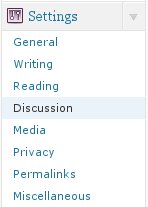
  • Navigate to the “Settings” menu and the “Discussions” option in that menu.
  • Under “Other Comment Settings” section, you will find the option: Enable threaded (nested) comments.
  • Check the option and provide the maximum depth of a thread.

Now nested comments should be enabled on your WordPress Blog.

Enhanced by Zemanta
Categories
Web

Epic Browser – Review


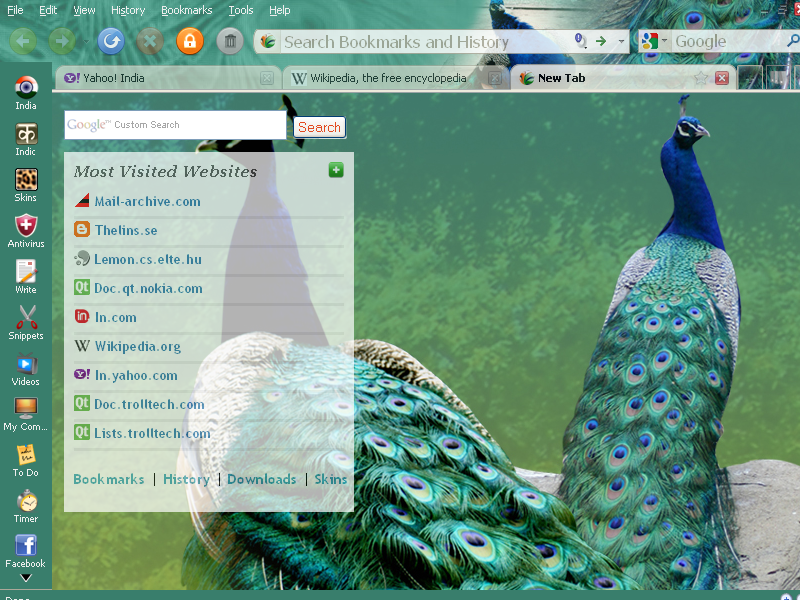
Epic Browser tagged as the new browser for India and claimed as the first browser with a built in anti-virus, was launched recently.  The browser boasts of its own collection of Apps and is clearly inclined towards the Indian users.  But what does it do that its predecessors couldnt…  Here is our take on Epic.