Categories
FaceBook Open Source Web

How to stop videos from playing automatically in the Facebook News Feed?

Facebook’s video auto-play settings can be turned on or off. This will help you save bandwidth and help remove the distraction of an autoplaying video. To stop videos from playing automatically do the following:
fb

  1. Go to your facebook timeline.
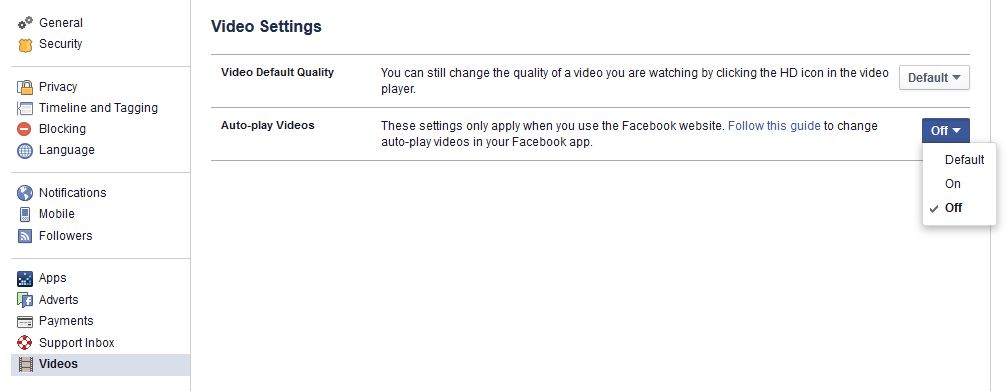
  2. From the top right of Facebook, click the  option and select Settings
  3. Click Videos in the left menu
  4. Click the dropdown menu next to Auto-play Videos and select Off
Categories
JavaScript jQuery Web

JQuery Check if Element Exists – JS Helpers

JQuery Check if Element Exists using this simple piece of code. To check this in the current page, we need to check the length of the element returned by the JQuery selector, if it returns you something then the element must exists otherwise no.

if( $('#EleSelector').length ) { // use this if you are using id, replace EleSelector with the id
// it exists
}

if( $(‘.EleSelector’).length ) { // use this if you are using class, replace EleSelector with the id
// it exists
}

In case of plain javascript try this:

//you can use it for more advanced selectors
if(document.querySelectorAll("#EleSelector").length){}

if(document.querySelector("#EleSelector")){}

//you can use it if your selector has only an Id attribute
if(document.getElementById("EleSelector")){}

Categories
Android Apps FaceBook Solutions Web

How to Disable Facebook Links from opening in the Facebook App Browser

Facebook logo Español: Logotipo de Facebook Fr...Facebook recently update added a new feature to its mobile app. The feature loads all links clicked on Facebook to open in the in-app browser as opposed to a browser installed on the phone. While this is faster, it seriously limits what you can do with the open page (for eg. sharing is limited). But fortunately this feature can be disabled.

To disable it, do the following:

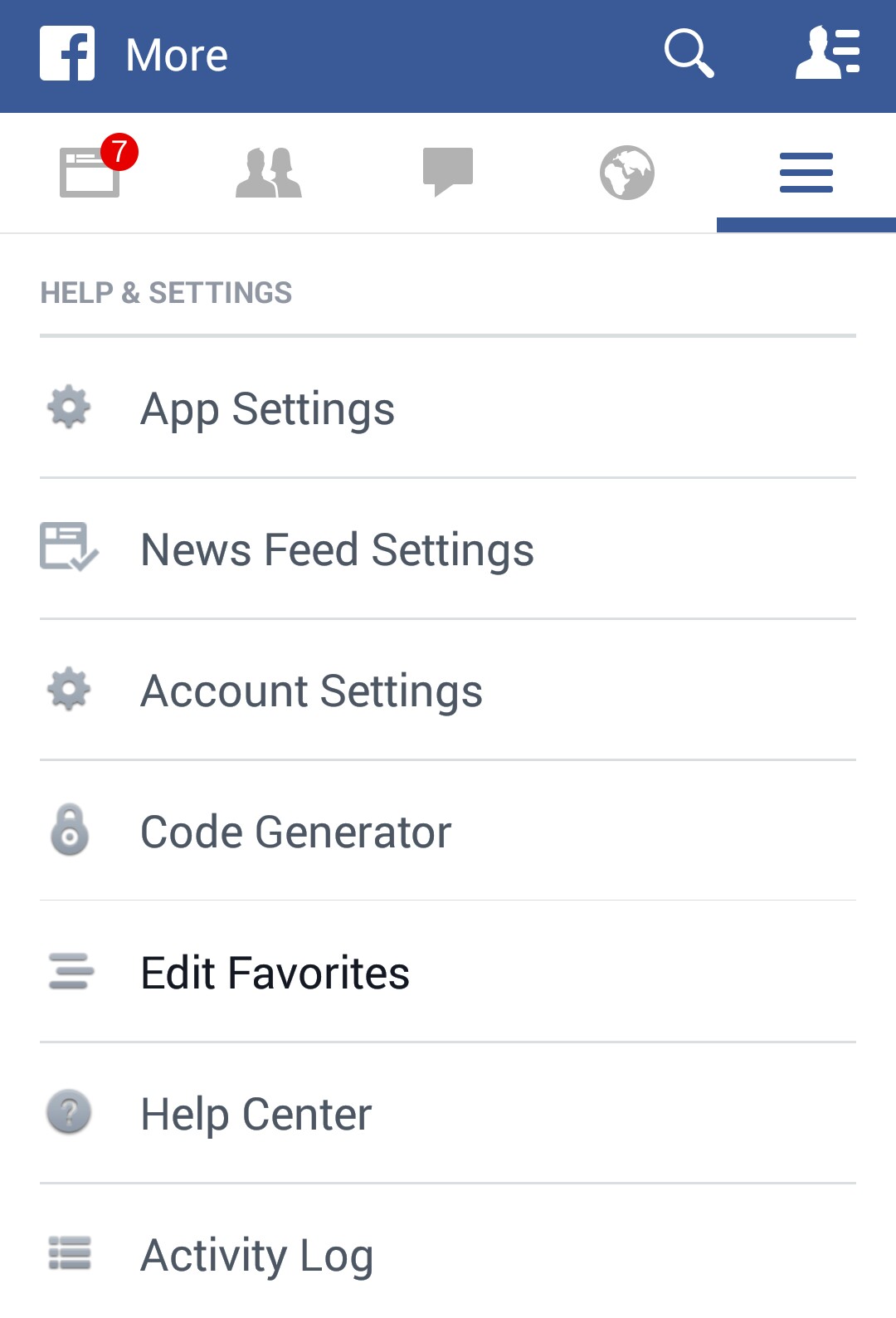
  1. In the Facebook app, goto Menu > App Settings
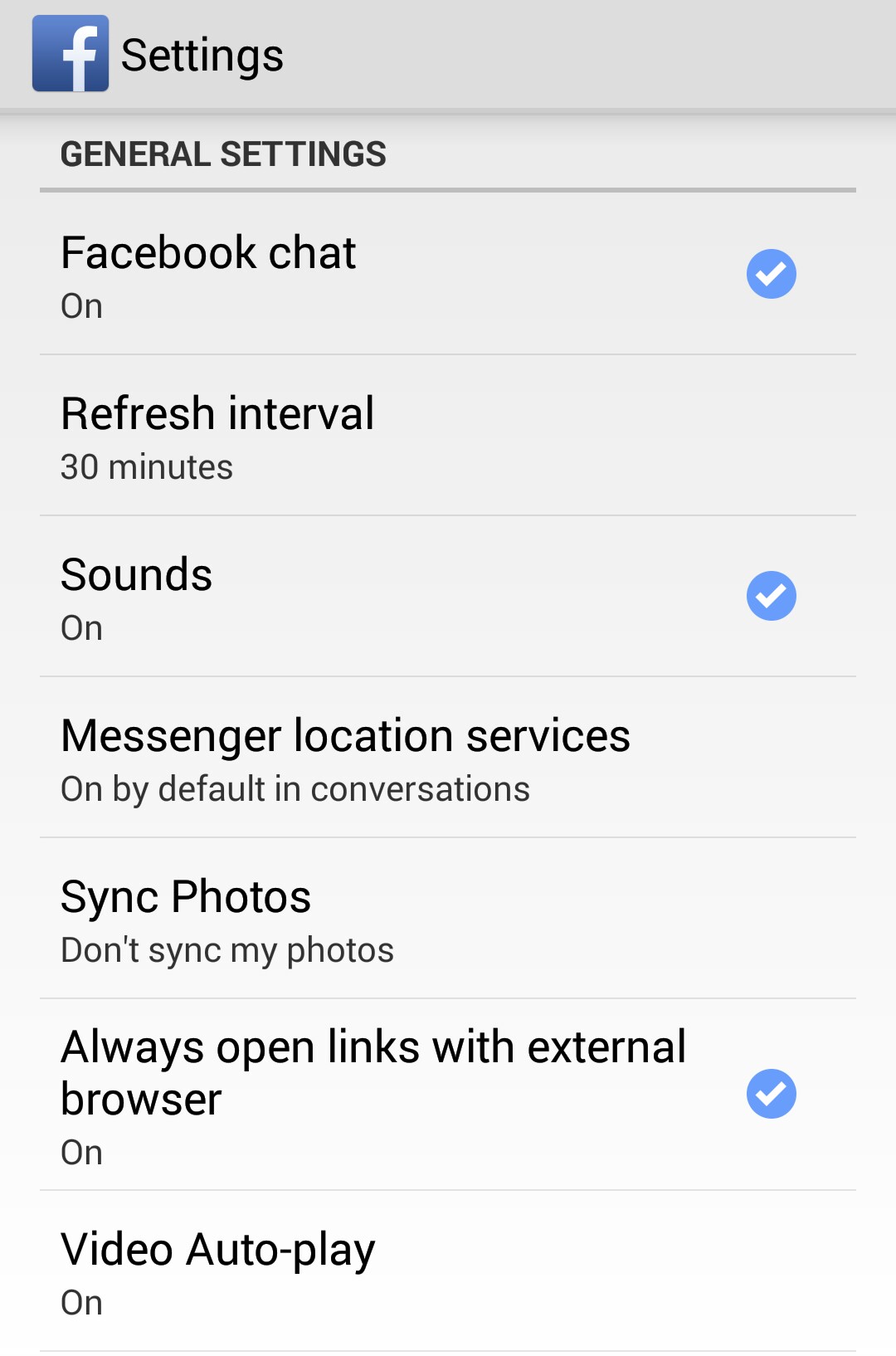
  2. In General Settings, you will find the “Always open links with external browser” option. Tap it to Enable it.
  3. Now your facebook app should behave just the way it did before the update.

Screenshots:
_20141117_204056 _20141117_204038

Categories
FaceBook Solutions Web

FaceBook Places Map – How to add places visited to your Facebook Map

Facebook logo Español: Logotipo de Facebook Fr...
Facebook logo (Photo credit: Wikipedia)

In your Facebook Profile’s “About” section there is a map of places you have visited or lived. You can add places to this section by adding a “Places” post to your Timeline. Here is how to do that:

  1. In your Timeline, click on “More” under your cover photo
  2. Select “Places”
  3. Click on “Add Places”
  4. Enter the name of the of the place you want to add
  5. Select the type of post you want to share (eg. Visited, Lived etc.)
  6. Fill the relavant details of the post and click “Post”

Note: These posts that you add to your map, will also appear in your Timeline.

Categories
Android Open Source Solutions

Android: How to Set Mobile Data Limit

The official online color is: #A4C639 . 한국어: 공...
The official online color is: #A4C639 . 한국어: 공식 온라인 색은: #A4C639 . (Photo credit: Wikipedia)

If you are using Android ICS or above there is a simple way to keep track of your Mobile Data Usage.

  1. Go to Settings and select Data Usage.
  2. Drag the orange line and set it to approx 75% of your allowed Monthly data usage. When your usage crosses this limit a warning notification will be given to you.
  3. Drag the Red line and set it to approx 95% of your allowed Monthly data usage. When your usage crosses this limit your Mobile Data will automatically be disabled
  4. Set your data usage cycle based on when your bill cycle starts and ends.

Note: The Data usage of your phone may vary slightly from your carrier’s tracking(this is why we limit your usage to 95% of your quota)