Categories
FaceBook Web

Search for Your Blog’s Recommended Pages on FaceBook

Facebook logo
Image via Wikipedia

Facebook is fast becoming one of ‘the’ places to promote your blog. Integrating your site well with facebook not only drives great traffic but also provides great exposure for your writing. People share webpages on Facebook all the time, just include the url of interest in any message and FB will insert an image from the page and a short description below the message.

So how do you know if any of your blog’s contents have been shared on the most popular social networking site on the web?

On my personal blog titled “New Sense” I recently included a nice looking toolbar at the bottom. The toolbar also provides a button for recommendations via facebook. Clicking on it will show a list of pages from my blog that were shared on Facebook (Click on Recommendations at the toolbar at the bottom)

If you want to see a similar list for your blog, go to this page -> Recommendations

At the bottom of the page you will find a form similar to the one shown in the image below. Type in the address of your blog and voilà you should get the list of shared items from your blog.

Enhanced by Zemanta
Categories
Linux Solutions Ubuntu

Clean up unnecessary files using KleanSweep

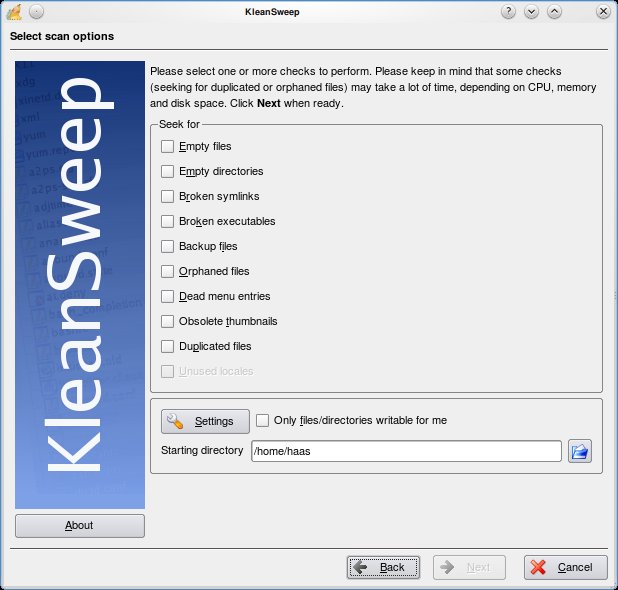
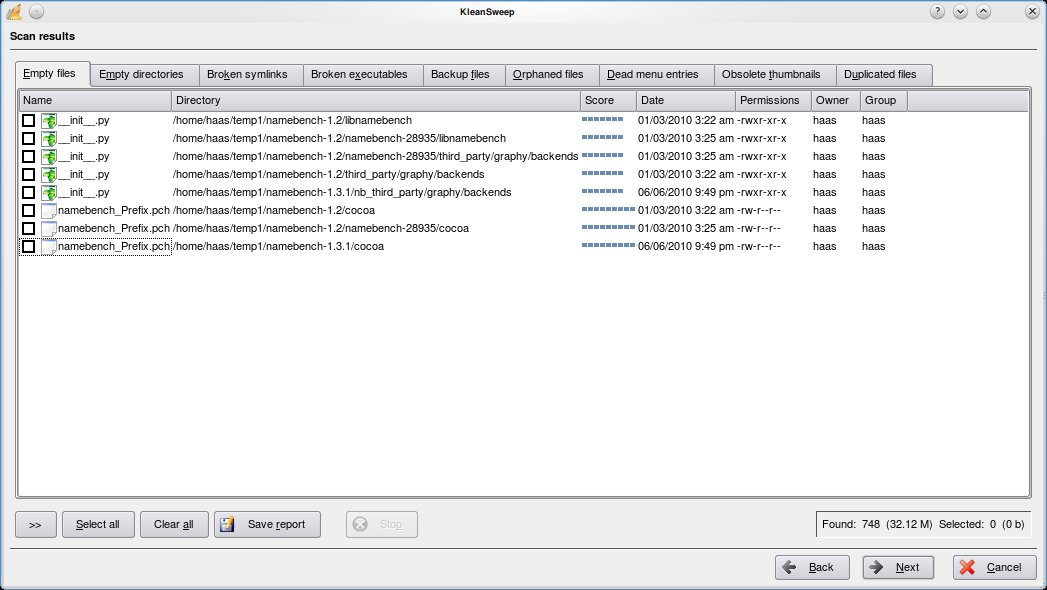
KleanSweep is a wonderful application to help you clean up the unnecessary files from your computer. KleanSweep searches and finds Empty files and directories, Broken Symlinks, Backup files, Orphaned Files, Dead menu entries, Obsolete thumbnails and Duplicated files.

Using KleanSweep is as straight forward as choosing what you are searching for and selecting the directory to search. The files that match your criteria are searched and listed for you to remove from your system.

Other similar project include FDupes and FSlint for Linux & Duplicate File Finder (DupFiles) for Windows

Categories
Linux

Search for Multiple Strings in Linux Command Line

Problem:  I have a text file with a lot of information, I need to pick lines of information containing a particular pattern(s) and store it in another file

Solution: Use egrep to filter out lines with required pattens and write the result in a file.

egrep is actually a short form for “grep -E”, a command used to handle pattens while searching.

For Eg.
Lets say you have a text file with a list of file names and you want to filter out only those names that are of a certian type. For the sake of this example lets assume you want to only see filenames of files ending with .mp3 or .wav or .ogg

The command you need to use is:

cat file | egrep “.mp3|.wav|.ogg” > musiclist.txt

Voila you now have a file that sorts out your music files.

Bonus: If you want to list out all the music files you have stored under a particular directory you can use the following command

ls -1R /path/to/music | egrep “.mp3|.wav|.ogg” > musiclist.txt

Reblog this post [with Zemanta]