Categories
Android Apps Device Nexus 5

Error 70 Gapps install – Fixed

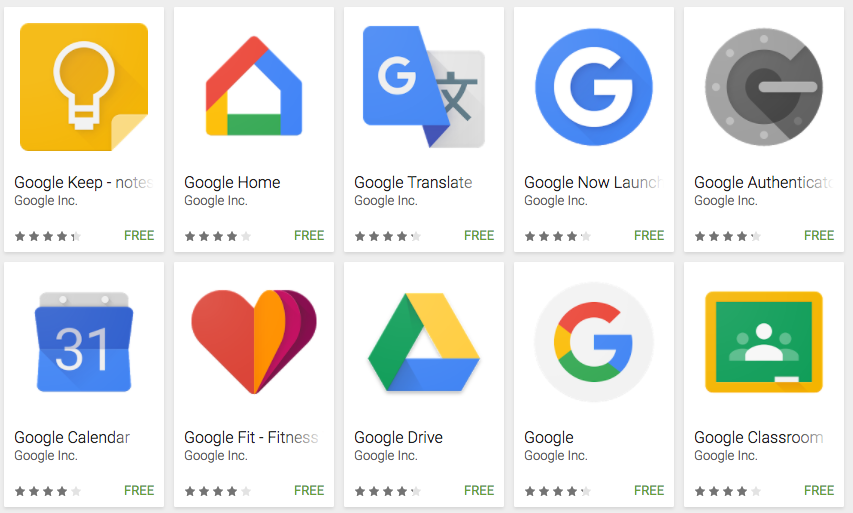
If you are encountering the following error while trying to flash Gapps with your custom rom:

Error 70: Insufficient storage space available in System partition.

Here is the simple fix for the problem:

  • Flash a smaller size version of the Gapps ROM via TWRP.  Pick either Pico/Micro versions of the ram.
  • For Nexus 5 and CM14/Lineage the Micro Version works just fine
  • After installing the smaller version you can install the remaining apps via the Play Store


Categories
Android Apps Solutions

How to Remove Picasa Albums from Gallery (and stop Sign In requests) – Android

Image representing Android as depicted in Crun...
Image via CrunchBase

Update: This solution also removes the annoying sign in request from Picasa that is seen on some android devices.

When you first start using an Android phone it will request you to sign in to a Google account. Doing so automatically triggers a process that syncs your data and photos from your phone to your Google account and vice versa. This synchronization also downloads all your old Picasa web albums to your phone.

While this is a useful feature at times, it tends to be a problem when you really don’t want those pictures on your phone or need to save the space on your phone.  Then it makes sense to disable this feature. Here is how to do it:

Categories
Hardware Solutions Ubuntu

Ubuntu Check Disk for BadBlocks & Errors

Toshiba HDD2189 2.5" hard disk drive plat...
Toshiba HDD2189 2.5″ hard disk drive platters, head and actuator arm. near 1:1 macro. (Photo credit: Wikipedia)

If your system regularly does ubuntu check disk or scan disks on boot up and if it often finds errors during the check, its highly possible that you have bad sectors on your hard disk.  In such cases its highly recommended to do a disk check to detect if you have bad sectors on the disk.

Categories
Solutions Web

Fix Formula One Live Timing Errors

Formula One
Image via Wikipedia

With the start of new season of Formula One, a lot of viewers were left refreshing their pages because the live timing

refused to work for the first day of Practice.  The problem had to do with the old cookies of the website from the previous year’s timing widget.

To fix the problem follow this tutorial to Remove Cookies from your browser.