Categories
Web

Download Online Videos using ClipGrab

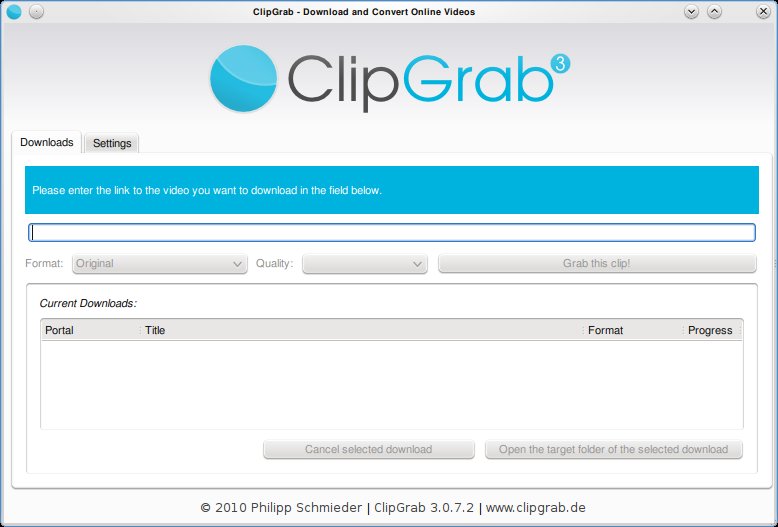
Clipgrab is an program that downloads videos from popular online video sites like youtube, vimeo ect and saves the video in the format of your choice. The application is very straight forward to use and provides a good set of options that make it easy for the user to customize their download.

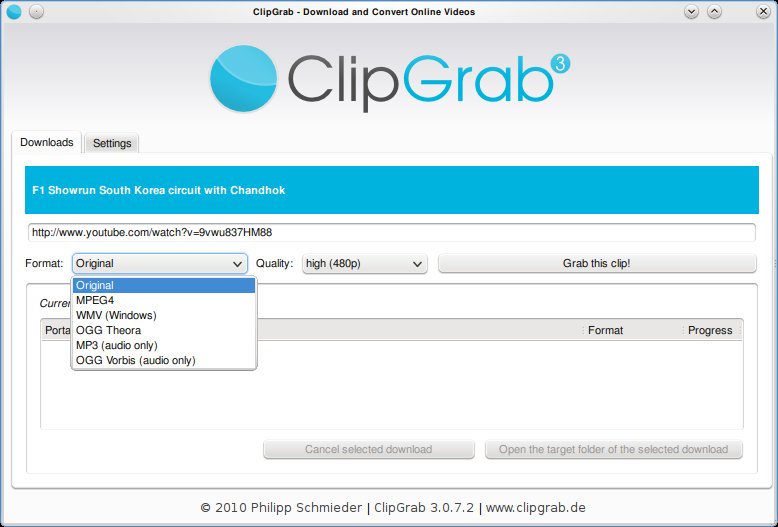
Clipgrab requires the user to simply type in the url of the video. This can be copied from the web browser. Once done, Clipgrab gives the details of the video including the different sizes its available for download and the different formats it can be converted to. Hit the “Grab this Clip!” option to download the video.

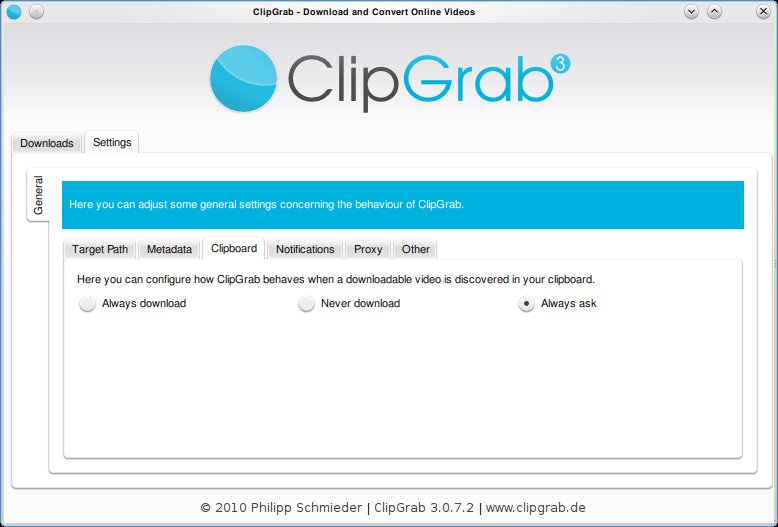
Clipgrab also monitors your clipboard to pick up urls when ever they are copied. Then it throws a notification asking you if you want to download the clip.
Clipgrab is available for Linux, Windows and Mac and can be downloaded from here: http://clipgrab.de/start_en.html

For ubuntu systems you can use the PPA repository to download Clipgrab:

sudo add-apt-repository ppa:clipgrab-team/ppa

sudo apt-get update

sudo apt-get install clipgrab

Enhanced by Zemanta


Categories
Linux Ubuntu

Use htop For Better Memory Usage Details on Linux


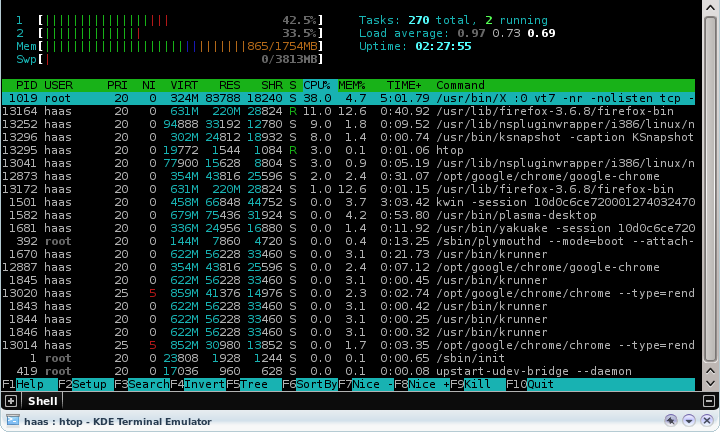
htop is a simple and wonderful tool to view the current memory usage on a Linux box. The tool is upgraded version of the top command, providing users some interactive menus and even mouse based control of sorting and menu access.

To install htop on your ubuntu system, execute the following command in a console:
sudo apt-get install htop
Run htop via a console.

Enhanced by Zemanta
Categories
Hardware Open Source Solutions Ubuntu

Playing DVDs in Ubuntu

Dvd-video-logo
Image via Wikipedia

Ubuntu by default does not play encrypted DVDs. This is because most commercial DVDs are encrypted with CSS (Content Scrambling System), which restricts the software that can play a DVD.

To enable you must install the libdvdcss2 package to allow Ubuntu to play DVDs. For that you need to run the following commands:

sudo apt-get install libdvdread4

Followed by:

sudo /usr/share/doc/libdvdread4/install-css.sh

That will install the required libraries and now your encrypted DVDs will be readable.

Please Note: Check with your local laws to make sure that usage of libdvdcss2 would be legal in your area.

Enhanced by Zemanta
Categories
Linux Solutions Ubuntu Web

Transfer files Effortlessly between Ubuntu Systems using Kepas

Kepas is a KDE4 file transfer tool. It discovers your local LAN for buddies (KDNSSD) and lets you transfer files or Klipper(KDE Clipboard) entries from a tray icon or using drag and drop with the Kepas plasmoid.

Kepas has only one requirement, that it must be installed in all the systems that are expected to be part of the network sharing group.

Categories
Linux Ubuntu

Apt-Get: Fixing GPG Error

While updating a Debian based system, you may encounter an error as follows:

W: GPG error: http://ppa.launchpad.net lucid Release: The following signatures couldn't be verified because the public key is not available: NO_PUBKEY 2836CB0A8AC93F7A

This is a feature of the apt-get package manager that checks the authenticity of servers while updating Debian. It just means that the system is unsure if the repository it listed is safe to receive updates from.

To fix this problem (provided you are sure that the repository is safe), all you need to do is execute the following commands with the pubkey you received in the error:

gpg --keyserver pgpkeys.mit.edu --recv-key 2836CB0A8AC93F7A
gpg -a --export 2836CB0A8AC93F7A | sudo apt-key add -

From now on Apt-Get will recognize that repository and not give you a GPG error.

Enhanced by Zemanta