Categories
Open Source Solutions

Bulk Edit Photos using Phatch

Phatch Mascot & Logo
Image via Wikipedia

Phatch is a simple to use cross-platform GUI Photo Batch Processor which handles all popular image formats. Phatch can batch resize, rotate, apply perspective, shadows, rounded corners, … and more in minutes instead of hours or days if you do it manually. Phatch allows you to use EXIF and IPTC tags for renaming and data stamping.

Phatch is an incredible tool to quick fire batch processing of photos. I use it most commonly to resize images to a fixed size, for example while uploading images its preferred to have a good resolution but not as high as what the digital camera provides. I use Phatch to reduce the resolution of the photos in the photo set and then upload the images. This saves a lot of time and bandwidth.

Using Phatch is simple but might confuse a newbie. Here is a simple startup guide to Phatch.

  • Run Phatch and the screen below will show up.
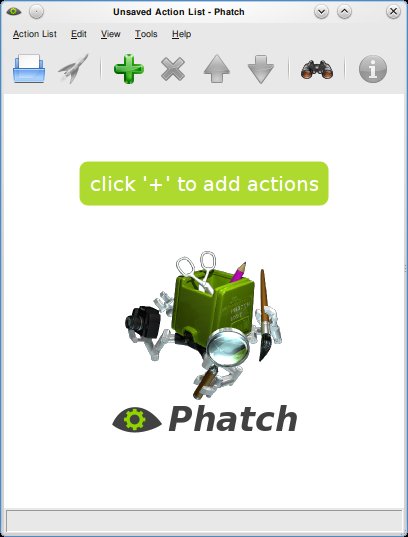
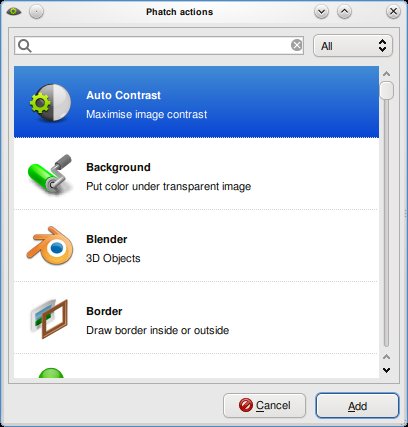
  • Click on the ‘+’ sign to add actions, you can choose from a plethora of options. You can use the resize option to resize images ect.
  • Once the options are selected you will need to put a save option at the end, this will save the file for you. You can choose the name, format and other options here.
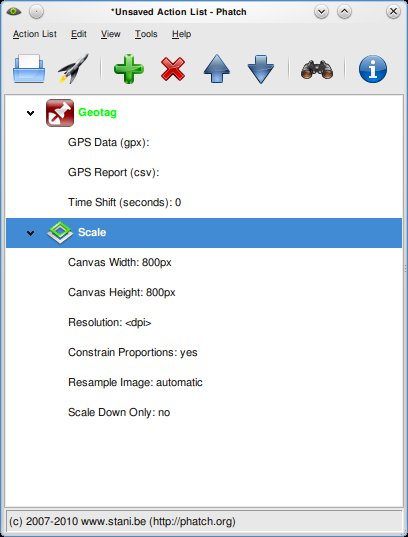
  • Hit the rocket ship button to start processing. A dialog will ask you details of the file to be processed and where it must be saved. Once done hit the ‘Batch’ button and wait till Phatch tells you its done processing the images.

To install Phatch on Ubuntu, use the following command:
sudo apt-get install phatch

You can download the installation file for Windows and other Operating Systems here

Enhanced by Zemanta
Categories
Web

Download Online Videos using ClipGrab

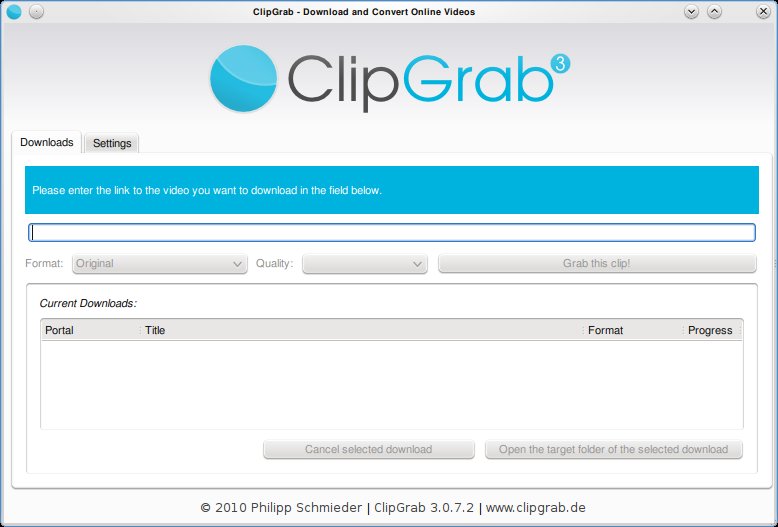
Clipgrab is an program that downloads videos from popular online video sites like youtube, vimeo ect and saves the video in the format of your choice. The application is very straight forward to use and provides a good set of options that make it easy for the user to customize their download.

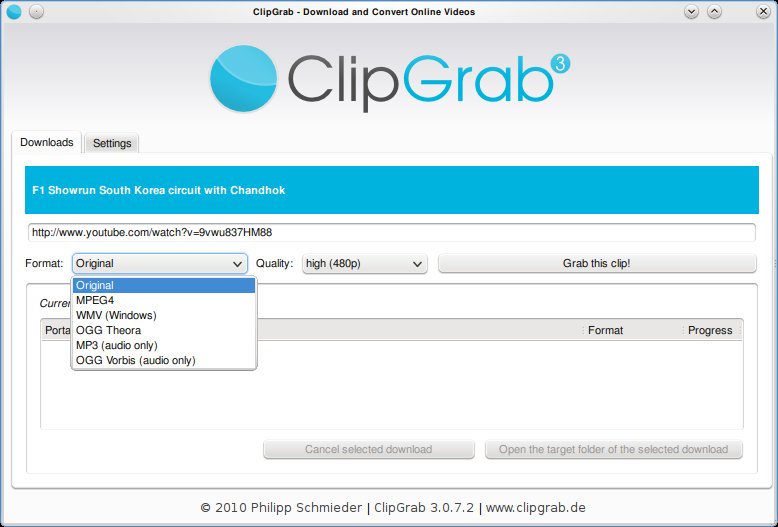
Clipgrab requires the user to simply type in the url of the video. This can be copied from the web browser. Once done, Clipgrab gives the details of the video including the different sizes its available for download and the different formats it can be converted to. Hit the “Grab this Clip!” option to download the video.


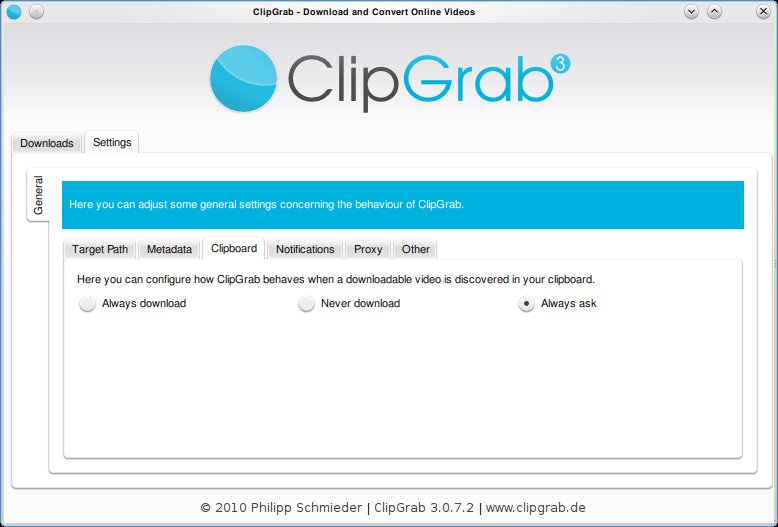
Clipgrab also monitors your clipboard to pick up urls when ever they are copied. Then it throws a notification asking you if you want to download the clip.

Clipgrab is available for Linux, Windows and Mac and can be downloaded from here: http://clipgrab.de/start_en.html

For ubuntu systems you can use the PPA repository to download Clipgrab:

sudo add-apt-repository ppa:clipgrab-team/ppa

sudo apt-get update

sudo apt-get install clipgrab

Enhanced by Zemanta


Categories
Linux Solutions Ubuntu

Solve Choqok’s Twitter Connectivity Problems…

This file is created by Roozbeh Shafiee for Ch...
Image via Wikipedia

Choqok the new and impressive micro-blogging client for KDE is one of the best clients for microblogging sites. The tool available via the default repositories of Ubuntu does not support the latest OAuth authentication of Twiiter. This means that it wont be able to connect to twitter.

You will need the latest version of Choqok to be able to reconnect to twitter. This can be done as shown below

  • Open the Konsole and execute the following commands:
  • $ sudo add-apt-repository ppa:adilson/experimental

    $ sudo apt-get update

    $ sudo apt-get install choqok

  • Once installed you will need to reauthenticate your twitter feeds.
    Select the Settings -> Configure Choqok menu item
    In the Accounts tab remove all the old twitter accounts and add them back again
    For each account you will be taken to twitter.com to give permission for Choqok to access your data
    Once done you will get a number, copy-paste the number back in Choqok dialog to get Choqok working again.

The new Choqok also has added features of auto-complete for friend names and better integration with url shortening sites.

Enhanced by Zemanta