Categories
Android Apps Device Nexus 5

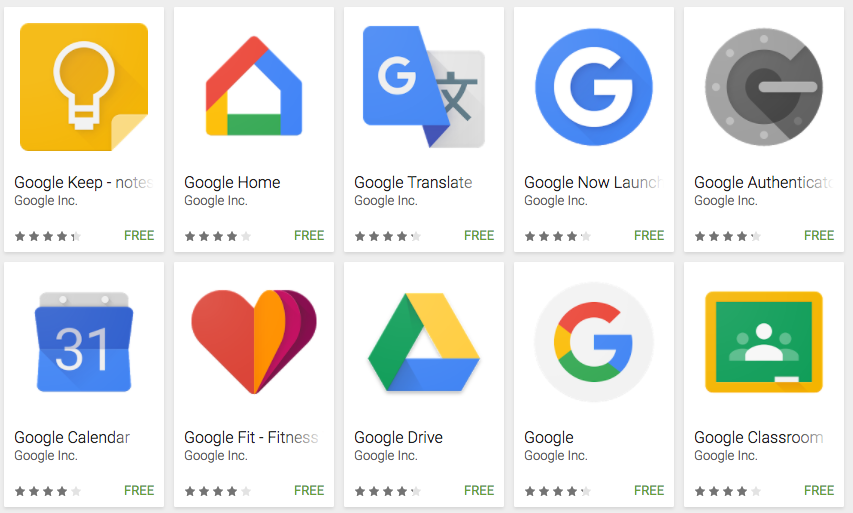
Error 70 Gapps install – Fixed

If you are encountering the following error while trying to flash Gapps with your custom rom:

Error 70: Insufficient storage space available in System partition.

Here is the simple fix for the problem:

  • Flash a smaller size version of the Gapps ROM via TWRP.  Pick either Pico/Micro versions of the ram.
  • For Nexus 5 and CM14/Lineage the Micro Version works just fine
  • After installing the smaller version you can install the remaining apps via the Play Store


Categories
Android Nexus 5

Turn Off Keyboard Vibration in Android Lollipop

Google Keyboard is the default keyboard in Android 5, Lollipop. By default, its configured to enable vibration on key press. If you are someone who dislikes this feature, here is a simple way to turn off keyboard vibration in it:

Steps to Disable or Turn Off Keyboard Vibration:

  • Go to Home -> Settings -> Language & input
  • Locate “Google Keyboard” (under Keyboard & input methods) and tap it
  • Tap on Preferences
  • Turn off the “Vibrate on keypress” option

UPDATE: For Android 6 (Marsh Mallow) use these steps

Categories
Internet Explorer Solutions Web

How to force Internet Explorer to view a page in a specific version mode.

Internet Explorer 7
Internet Explorer 7 (Photo credit: Wikipedia)

Meta tags can be used to force Internet Explorer(IE) browser to use a specific standards mode. The X-UA-Compatible meta tag tells IE what view mode to use to render the current page.

Here is how to emulate different browser modes using meta tags:

Emulate IE 7:

<meta http-equiv="X-UA-Compatible" content="IE=7">

Emulate IE 8:

<meta http-equiv="X-UA-Compatible" content="IE=8">

Emulate IE 9:

<meta http-equiv="X-UA-Compatible" content="IE=9">

If the end client visits the page on a browser that is older than the specifed view mode (eg. User has IE 8 but view mode forces IE 9), the browser will ignore the meta tag and render the page the best way it can.

Categories
Android Apps Device Open Source Solutions

Android: How to update Google Camera to the latest version

App Revenue from Google Play
App Revenue from Google Play (Photo credit: IntelFreePress)

If you chose not to update Google Camera when the option was first presented to you, and now want to update it but dont know how, dont sweat we are here to help 🙂

Here is how to update the app on your phone:

  1. Open the Play Store App on your phone.
  2. Press the three horizontal bars on the top left corner of the app, it will open an menu for you.
  3. In this menu Choose “My Apps
  4. The next page has a list of all the apps installed on your phone, with the ones with updates available on top of the list.
  5. Scroll down to find “Google Camera“. Press on the logo to go to the app page
  6. Here you will get two options on the top right: Update & Uninstall. Press Update.
  7. Hit Continue in the App Permission Screen to start the download and install.


Categories
Device Hardware Linux Open Source Solutions Ubuntu

Fixing USB Keyboard & Mouse Boot Problems in Ubuntu

USB Cables
USB Cables (Photo credit: incurable_hippie)

Sometimes on startup, Ubuntu does not recognize my USB Keyboard & Mouse. This problem is frustrating as Windows seems to recognize them.

It took me a while to recognize the root of the problem was with the USB 3.0 ports on the Motherboard. By moving the usb connections to the USB 2.0 ports on the motherboard this problem was solved.

Problem: USB Keyboard and Mouse dont work on boot up.
Solution: Move the connectors to the devices from a standard USB 3.0 port to standard USB 2.0 port(check with your motherboard manual for specifics)

Enhanced by Zemanta